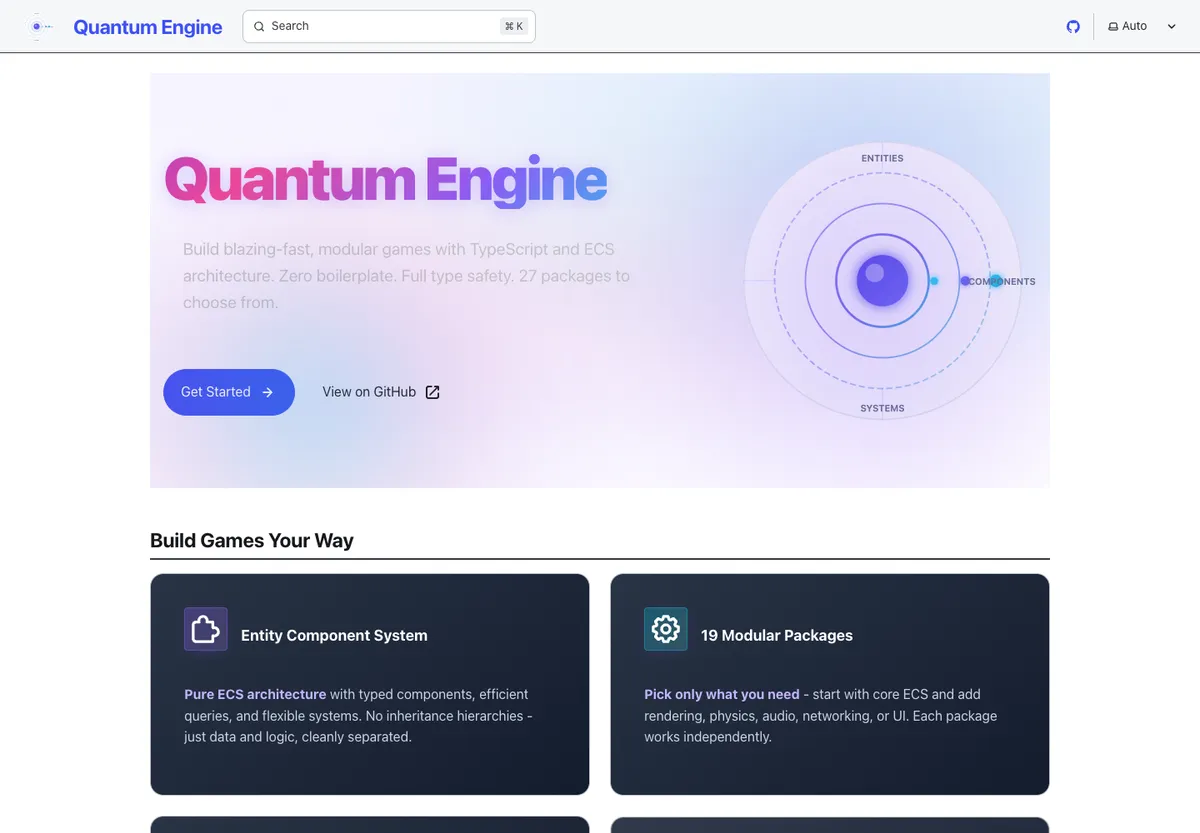
Overview
Quantum Engine is a TypeScript Entity Component System designed for the browser. It is a Bun monorepo of 28 packages: a tiny ECS core plus optional plugins for rendering, physics, input, audio, animation, networking, UI, and scene editing, all wired together by a fluent App runtime with a schedule-based system executor and an event bus.
The goal was a Bevy-style architecture that runs natively on the web. Every package targets the browser (WebGL, Canvas, requestAnimationFrame), state lives in cache-friendly Structure-of-Arrays component storage, and the same plugin pattern that registers core systems also powers the Three.js renderer, the Rapier3D physics layer, and the scene editor.

Features
ECS core
- Type-safe components with both Structure of Arrays (SoA) and Array of Structures (AoS) storage
- Archetype-based queries with caching, BitSet component checks, and topological system ordering
- Entity lifecycle with ID reuse and component lifecycle hooks
- Resource manager for typed global state and an event bus for loose coupling between systems
Plugin architecture
Everything outside the core is a plugin. A plugin declares its dependencies, components, systems, and resources, and gets build, startup, and shutdown hooks. Plugins are hot-swappable, dependency-ordered, and composed through a fluent builder.
Convenience presets
@quantum/presets ships preset bundles so a typical app is one line:
import { createWebApp } from '@quantum/presets'

const { app, canvas } = createWebApp()
app.addSystem(ScheduleLabel.Update, new MovementSystem())
app.run()
Presets cover the common cases: core (server / headless), web (2D canvas + input), render (Three.js), game (render + physics + animation + assets), and full (everything).
Rendering, physics, and assets
@quantum/render: Three.js integration with scene, camera, and renderer wired to the ECS@quantum/physics: Rapier3D bindings, exposed as components and systems@quantum/asset: async asset loading with cache and lifecycle integration@quantum/animation,@quantum/audio,@quantum/spatial,@quantum/networking,@quantum/ui: additional plugins for the rest of a typical game stack
Scene editor
@quantum/editor adds picking, gizmos, and camera controls, and pairs with @quantum/scene for serialization, prefabs, and a scene builder API. The editor is itself an ECS app; it registers systems and resources just like any other plugin.
Tooling
- Bun workspace with Turborepo for parallel builds and dependency-aware watching
- Vitest for unit tests, Playwright for browser/component tests, mitata for benchmarks
- TypeDoc + an Astro/Starlight docs site under
apps/site - Per-package builds target the browser with external workspace deps and tree-shakeable ESM output
Architecture
App
  ├── World          // entity + component storage and queries
  ├── ResourceManager // typed global state
  ├── Schedule       // Startup → PreUpdate → Update → PostUpdate → Render
  └── EventBus       // typed events between systems

Plugins layer on top: Time, Transform, Web, Input, Render, Physics, Asset,
Animation, Audio, UI, Spatial, Networking, Editor, Scene, Debug, ...
A typical frame walks the schedule once: time advances, input is sampled, gameplay systems run in Update, transforms and physics resolve in PostUpdate, and the renderer flushes in Render.
Quick start
import { createWebApp } from '@quantum/presets'
import { defineComponent, createQuery, ScheduleLabel, System } from '@quantum/core'

const Position = defineComponent({ x: Float32Array, y: Float32Array }, { name: 'Position' })
const Velocity = defineComponent({ x: Float32Array, y: Float32Array }, { name: 'Velocity' })

class Movement extends System {
  update(world) {
    const q = createQuery().with(Position).with(Velocity).build()
    q.executeWithCallback(world, (_e, p, v) => {
      p.x += v.x
      p.y += v.y
    })
  }
}

const { app } = createWebApp()
app.addSystem(ScheduleLabel.Update, new Movement())
app.run()
Technology stack
- TypeScript across a Bun monorepo of 20
@quantum/*packages plus tutorial and example apps - Browser-first build pipeline (ESM, external workspace deps, code splitting, source maps)
- Three.js for 3D rendering, Rapier3D for physics, native Web APIs for input, audio, and timing
- Turborepo for build orchestration; Vitest, Playwright, and mitata for tests and benchmarks
- Astro + Starlight documentation site backed by TypeDoc-generated API references