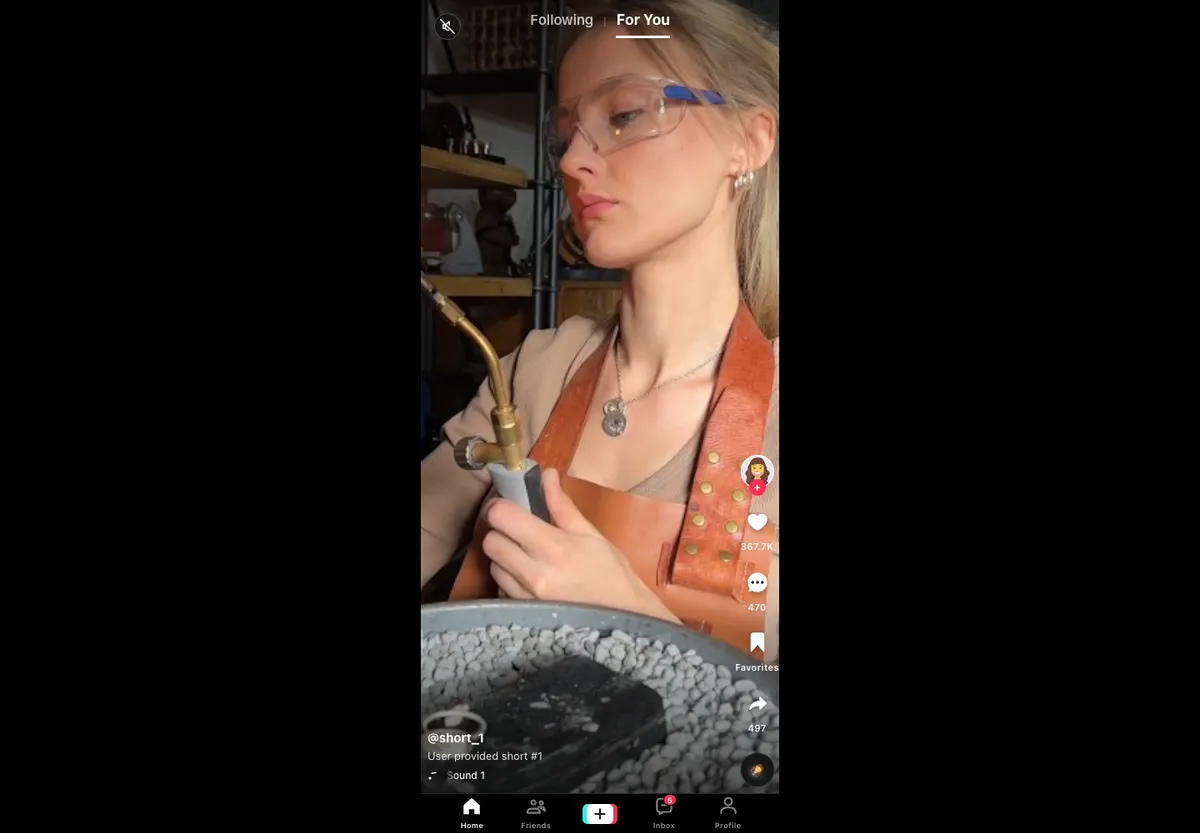
Overview
swipefeed is a headless React library for vertical or horizontal swipe feeds (the TikTok / Reels / Stories interaction pattern). It ships a render-prop component (SwipeDeck) and a hook (useSwipeDeck) that wire up native CSS scroll-snap, TanStack virtualization, pointer/wheel/keyboard input, accessibility, and programmatic controls. You bring the markup and styles; swipefeed handles the behavior.

Features
- Headless: Bring your own markup and styles; spread the supplied props for behavior
- Vertical or Horizontal: LTR and RTL aware for horizontal feeds
- Virtualized: Backed by
@tanstack/react-virtualwith auto-measured viewport size and tunable overscan - Multi-Input: Pointer drag/flick, discrete wheel paging with heavy dampening, keyboard (global or scoped)
- Controlled or Uncontrolled: Optional controlled
index, loopable navigation, and programmaticprev / next / scrollTo - Accessibility-First: Focusable
role="feed"viewport, per-itemrole="article",aria-label,aria-busy, snap alignment - Reduced-Motion Aware:
prefers-reduced-motiontriggers instant scrolling - Infinite Loading Hook:
onEndReachedfires near both ends with distance and direction
Quick Start
import { SwipeDeck } from "swipefeed";

function Feed({ items }) {
  return (
    <SwipeDeck items={items} className="w-full h-screen overflow-hidden">
      {({ item, isActive, props }) => (
        <section {...props} style={{ height: "100vh" }}>
          <VideoPlayer video={item} playing={isActive} />
        </section>
      )}
    </SwipeDeck>
  );
}
For full control over markup and layout, drop down to the hook:
const deck = useSwipeDeck({ items, orientation: "horizontal", direction: "rtl" });
const viewportProps = deck.getViewportProps();
Input Handling
Pointer gestures use threshold + flick-velocity detection with axis locking. Wheel input is discretized with debounce, cooldown, and delta caps to stop trackpads from jumping multiple items at once. Keyboard bindings (arrows, Home/End, PageUp/PageDown) can be scoped to the viewport or registered globally, and flip horizontal intent in RTL. Programmatic scrollTo honors prefers-reduced-motion and temporarily disables snap while animating to avoid fighting CSS snap.
Technology Stack
- TypeScript and React 19
@tanstack/react-virtualfor virtualization- Bun for development, build, and tests
- Vitest (jsdom + browser runners) with 99% coverage
- TypeDoc for API docs, Storybook for component stories, GitHub Pages for the demo